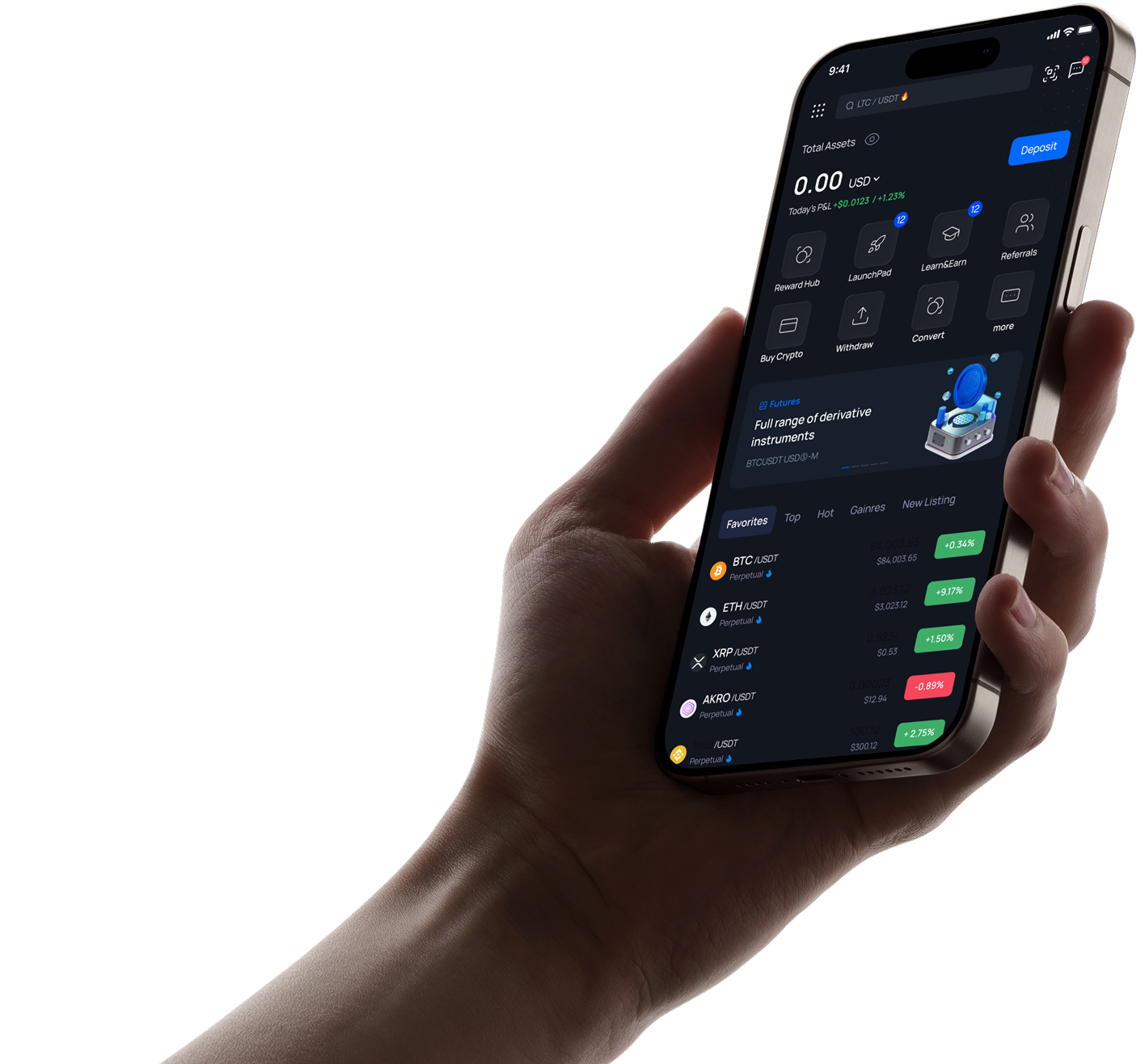
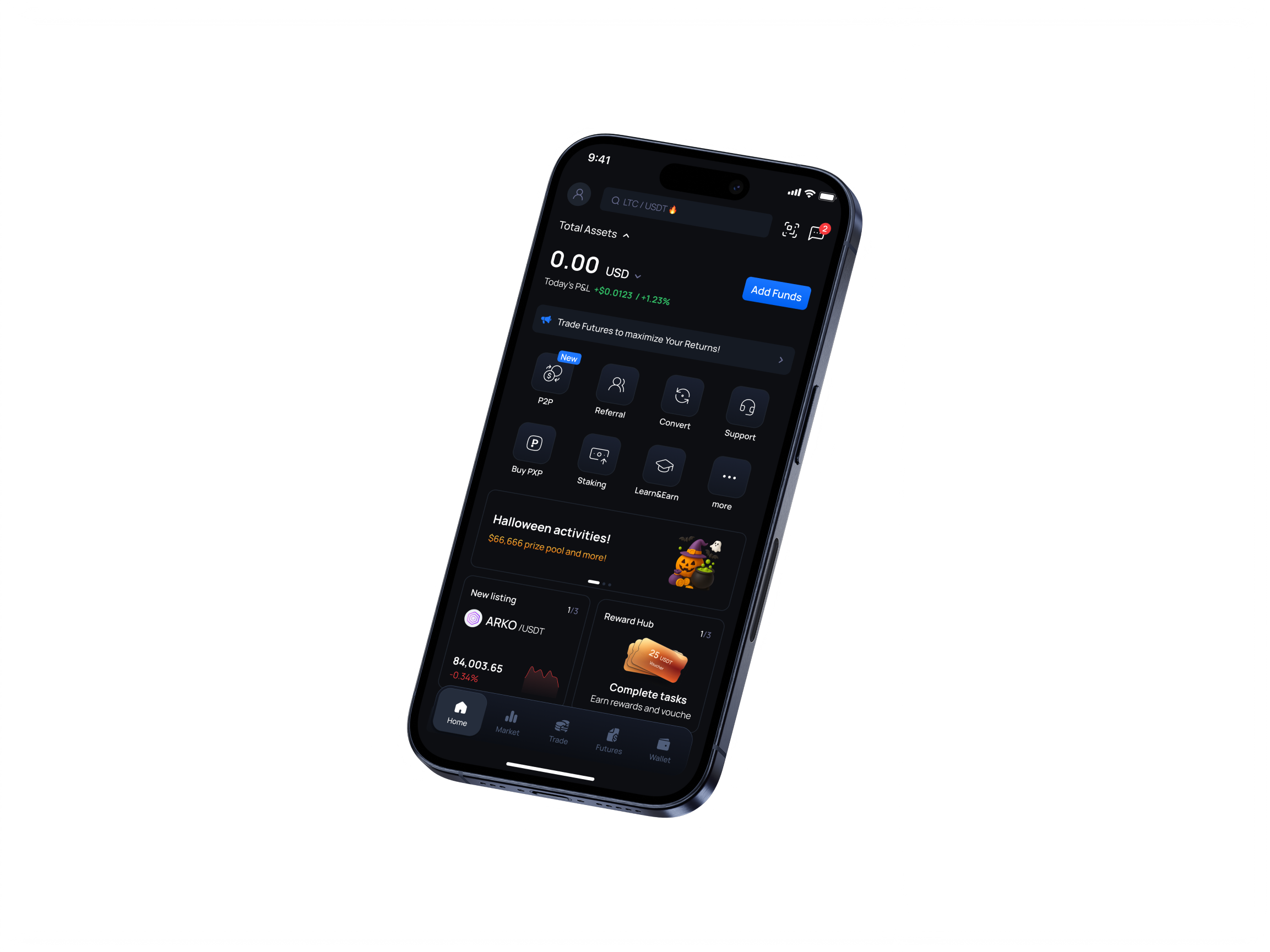
Всі крипто-послуги в одному місці

Зареєструйтеся зараз, щоб розпочати свою крипто-подорож
Або продовжити через
Завантажити додаток
200+
Країни роботи
3 млн+
Активні користувачі
4.8
Середній рейтинг на Trustpilot
5%
Заробляйте до 5% річних на стейкінгу

Популярні криптовалюти

Торгуйте 1000+ криптовалют у реальному часі.

🔥 Гарячі
Лідери росту
Новий лістинг
Актив
Ост. ціна
Зміна
Графік
Дія
SSV
SSV /USDT
$4.372
+9.14%
VELO
VELO /USDT
$0.007177
+10.04%
SYRUP
SYRUP /USDT
$0.3653
+10.23%
FIL
FIL /USDT
$1.449
+11.2%
Майбутні
Лістинг
Launchpad
TokenBooster
Готові до лістингу вашого проекту?

Пройдіть лістинг на PointPay та охопіть тисячі трейдерів.

Подати заявку на лістинг
coins image
Дізнайтеся про наші продукти

Торгуйте 1000+ криптовалют у реальному часі.

Торгуйте криптовалютою на своїх умовах Спотова та ф'ючерсна торгівля з передовими інструментами, низьким прослизанням та аналізом портфеля в реальному часі

desktop image
Зберігай та Заробляй

Зберігайте свою крипту в безпеці, отримуючи пасивний дохід з гнучкими планами APR.

Дізнатися більше
Вчися та Заробляй

Покращуйте свої знання про крипту та отримуйте винагороди, виконуючи навчальні завдання.

Дізнатися більше
Launchpad

Отримайте ранній доступ до нових проектів та ексклюзивних продажів токенів безпосередньо на платформі.

Дізнатися більше

desktop image
Купівля та продаж – це просто Миттєві покупки карткою або банківським переказом — вибирайте метод, що підходить вам найкраще.
Ще більше з токеном PointPay Відкрийте вищі винагороди за стейкінг, знижені комісії та розширені платіжні опції з PXP

desktop image
NFT Маркетплейс

Купуйте, продавайте та колекціонуйте унікальні цифрові активи

Дізнатися більше
Тримайте свою криптовалюту завжди під рукою!

google-playapp-store
iphone image

FAQ

  • Що таке двофакторна автентифікація?

    Функція двофакторної автентифікації - це ресурс, який дозволяє отримати додатковий захист доступу до вашого профілю, навіть якщо хтось знає ваш пароль. Коли ви входите в свій обліковий запис, вам буде запропоновано ввести дві частини інформації: ваш пароль і 6-значний код автентифікації. Новий код автентифікації генерується додатком автентифікації кожні 30 секунд. Ми настійно рекомендуємо всім нашим користувачам включити цю функцію безпеки, щоб запобігти будь-який потенційний несанкціонований доступ до ваших облікових записів. Ця функція необхідна для забезпечення безпеки ваших активів, тому, будь ласка, знайдіть час, щоб налаштувати її якомога швидше!


  • Що мені робити, якщо я втратив код/ключ для двофакторної автентифікації?

    Вам потрібно надати верифікаційні дані, логін облікового запису, а також дані про останні депозити та виводи. 

  • Як увімкнути Google 2FA

    Увійдіть у свій обліковий запис. 

    У меню профілю натисніть «Безпека». Виберіть розділ Двофакторна автентифікація

    Ви побачите сторінку включення 2FA з кодами двох форм: звичайним і QR-кодом.

    Увага: будь ласка, збережіть цей код у надійному місці. Це дозволить вам відновити ваш Google Authenticator, якщо ви втратите доступ до свого телефону чи програми

    Відкрийте програму 2FA на своєму мобільному пристрої. Ви можете скористатися сканером або ввести код вручну, щоб додати тимчасовий код для PointPay у своїй програмі.

    Натисніть «+» в нижньому правому куті: 

    Потім натисніть «Сканувати QR-код» або «Ввести ключ вручну». Після цього у вашій програмі з’явиться новий 6-значний код. 

    Розмістіть його на сторінці активації 2FA: 

    Ви отримаєте сповіщення про те, що 2FA зараз увімкнено. 

    Готово, тепер ваш обліковий запис захищено.

  • Мій чотиризначний PIN-код загублений/неправильний, що я можу зробити?

    Ви можете видалити програму та встановити її знову з новим 4-значним кодом.

  • Як пройти KYC через Android додаток?

    In order to complete KYC verification using Android App, please follow the next steps:

    1) Log into your account. On the main app page please press on your profile name in the top left corner:

    2) Tap on your Profile ID. You can also see the «Unverified» status there. 

    3) Press on «Verify» button in the verification section:

    4) Choose the country of your current citizenship, use the drop list or filter by name.

    Please, note that the United States of America (USA, United States) is shortened in the list and named just US.


    5) Fill in your personal information:

    Check the information – it must be filled correctly, as is in your documents:

    • Name – right as in the document;
    • Birth date – in dd/mm/yyyy format;
    • Gender – is the same as indicated on your document, not according to your self-identification.


    6) Fill the information about your address:


    In case the address where you currently stay does not match your registration address, please take off the check box «The address matches the registration address» and fill it in as well.


    7) Choose the document from the list, which you are going to use for verification of your identity. 

    International passport will be suitable for citizens of all countries.

    You can also use other documents if they comply with international standards.; recommendations regarding a particular country can be obtained from customer support.


    Requirements for the documents photo:

    • A valid and unexpired passport, national ID, or driver’s license depending on your applicable country.
    • Please make sure that the pictures of your documents are clear, hi-res, show all their corners and sides, and no information is covered.
    • Please note that screenshots, photos of document copies, and images altered in photo redactors are not acceptable.
    • It is recommended that you upload an ID with a photo that resembles your most recent facial features.
    • If your ID document has a signature field, please make sure it is signed.


    8) Please submit your selfie verification.


    Here are some tips for you:

    • please make sure that your face is good lighted directly from the front side and not from the sides
    • follow the guidelines on the screen

    Attention: Make sure there are no other people or photos with your face in the frame. It is preferable that the background be clear. It is also necessary to ensure a sufficient level of lighting.

    Follow the tips on the screen.


    9) After the selfie will be submitted, you'll see the message «In progress» 


    It might take some time to process your request so please wait a little for the result.


    10) After your verification will be approved or disapproved, you’ll receive the result of processing the application via email.

    The example of email with approve:

    11) For some reasons application may be disapproved, in this case please, try again:

    If you meet any difficulties, please contact our customer service: support@pointpay.io or use online-chat on the site.

  • Як пройти KYC через iOS додаток?

    To pass KYC verification via iOS app, please follow the steps mentioned below:

    1) On the main app page please press on your profile name (placed in the top left corner of the screen)


    2) Tap on your Profile ID


    3) Press on «Verify» button in the middle of the screen

    4) Choose the country the citizenship of which you currently possess

    Use the drop list or filter by name.

    Please, note that the United States of America (USA, United States) is shortened in the list and named just US.


    5) Fill in your personal information.

    Check the information – it must be filled correctly, as is in your documents:

    Name – right as in the document;

    Birth date – in dd/mm/yyyy format;

    Gender – is the same as indicated on your document, not according to your self-identification.

    6) Enter your registration address.

    In case the address where you currently stay does not match your registration address, please fill it in as well.


    7) Choose the type of the document you will submit for KYC verification.

    International passport will be suitable for citizens of all countries.

    You can also use other documents if they comply with international standards.; recommendations regarding a particular country can be obtained from customer support.


    Requirements for the documents photo:

    • A valid and unexpired passport, national ID, or driver’s license depending on your applicable country.
    • Please make sure that the pictures of your documents are clear, hi-res, show all their corners and sides, and no information is covered.
    • Please note that screenshots, photos of document copies, and images altered in photo redactors are not acceptable.
    • It is recommended that you upload an ID with a photo that resembles your most recent facial features.

    If your ID document has a signature field, please make sure it is signed.


    8) Please submit your selfie verification.

    Here are some tips for you:

    • please make sure that your face is good lighted directly from the front side and not from the sides
    • follow the guidelines on the screen


    Attention: Make sure there are no other people or photos with your face in the frame. It is preferable that the background be clear. It is also necessary to ensure a sufficient level of lighting.

    Follow the tips on the screen.

    After the selfie will be submitted, you'll see the message «Processing»


    9) In several cases, it might take some time for our system to process your request.


    10) After your verification will be approved or disapproved, you'll receive notification letter on your email.
    Below you can see an example of KYC approval.


    In case it will be denied, please contact our Customer Support Team via live chat or email support@pointpay.io

  • Як пройти KYC через веб-інтерфейс?

    1. Log into your account:


    2. Then go to Dashboard menu:


    Click on the «Verify» button at the top of the page.


    3. Verification procedure will be started. First step is entering personal information, e.g. First name, Last name, gender, birth date. Please, fill all mandatory fields properly.

    To choose your country please use the drop list or filter by name.

    Please, note that the United States of America (USA, United States) is shortened in the list and named just US.


    Check the information and click the «Next» button.


    4. On the second step it is necessary to provide the information about your Residence and registration addresses.

    In case if addresses not matches, take off tick box and fill necessary information:

    Click «Next»


    5. Choose the document from the drop list, which you are going to use for verification of your identity.

    The list of available documents may be different depending on your country of residence. Usually we accept passports, ID cards, Driver’s licenses.
    System will require uploading 1 or 2 pages of documents, for different document types.
    Just follow the instructions.


    Requirements for the documents photo:
    A valid and unexpired passport, national ID, or driver’s license depending on your applicable country.
    Please make sure that the pictures of your documents are clear, hi-res, show all their corners and sides, and no information is covered.
    Please note that screenshots, photos of document copies, and images altered in photo redactors are not acceptable.
    It is recommended that you upload an ID with a photo that resembles your most recent facial features.
    If your ID document has a signature field, please make sure it is signed.


    6. Final step is face recognition. Please, grant your browser permission to use your device's camera. Otherwise you will not be able to complete this step.

    Attention: Make sure there are no other people or photos with your face in the frame. It is also necessary to ensure a sufficient level of lighting.
    Follow the tips on the screen.

    When each sector is done, it changes color to green. After completing this step your application will be accepted and you see the following notification:

    Processing takes some time, so please wait for a while. You’ll receive the result of processing the application via email.

    The example of email with approve:

    For some reasons application may be disapproved, in this case please, try again:

    If you meet any difficulties, please contact our customer service: support@pointpay.io or use online-chat on the site.

  • KYC / AML / Регуляторні запити

    Ми забезпечуємо відповідність останнім нормам і вдосконаленим стандартам перевірки KYC, запровадженим у Європі.

    Наша поточна система KYC включає в себе основні функції відповідності даних і технічні вдосконалення безпеки.

    Перевірка KYC потрібна для таких операцій:
    продати/купити криптовалюту за фіат
    виведення на зовнішні гаманці
    внутрішні перекази в рамках платформи PointPay

    Для проходження перевірки KYC необхідно:
    надати фотографію закордонного паспорта або іншого документа, що посвідчує особу, що відповідає міжнародним стандартам.
    Перелік документів може бути різноманітним залежно від країни.
    У разі виникнення будь-яких додаткових питань, будь ласка, не соромтеся зв’язатися з нашою Службою підтримки клієнтів, і вони будуть раді запропонувати вам інші типи документів, які можна прийняти від громадян вашої країни.
    пройти перевірку селфі.
    Після успішного завершення процесу верифікації ви зможете продовжувати насолоджуватися повним набором послуг, які пропонує платформа PointPay.

  • Як відключити 2FA

    Увійдіть у свій обліковий запис
    У меню профілю натисніть «Безпека» 
    Виберіть розділ Двофакторна автентифікація
          Ви побачите кнопку «Вимкнути» 2FA. 

    Відкрийте програму 2FA на своєму мобільному пристрої.
         Тепер введіть код із програми в поле та натисніть «Вимкнути»  

         Ви отримаєте сповіщення про те, що 2FA зараз вимкнено.


    Однак ми настійно рекомендуємо завжди ввімкнути 2FA для більшої безпеки ваших коштів.


  • Які документи я можу використовувати для підтвердження свого облікового запису?

    Шановні користувачі! Ми помітили, що однією з найпоширеніших причин неуспішної перевірки є використання неналежних документів. Цей матеріал призначений для спрощення процесу верифікації облікового запису. Нижче ми склали поточний список документів, які приймає система верифікації, з розподілом по країнах.

    Перш ніж почати перевірку, знайдіть свою країну за назвою, і ви точно побачите, які документи прийнятні.

    Country (code): documents

    Albania (AL): passport

    Algeria (DZ): passport, ID card

    Argentina (AR): passport, DNI

    Armenia (AM): passport

    Australia (AU): passport

    Austria (AT): passport, residence permit

    Azerbaijan (AZ): passport, ID card

    Bahrain (BH): passport

    Bangladesh (BD): passport, ID card (see example)

    Belarus (BY): passport

    Belgium (BE): passport, ID card, residence permit

    Benin (BJ): passport, ID card

    Bosnia and Herzegovina (BA): passport

    Brazil (BR): passport, ID card (examples of supported types: doc 1 / doc 2 / doc 3; the document must be issued no more than 10 years ago and must contain an CPF code), residence permit

    Brunei Darussalam (BN): passport

    Bulgaria (BG): passport, ID card

    Burkina Faso (BF): passport, ID card

    Butane (BT): passport

    Cambodia (KH): passport

    Cameroon (CM): passport

    Canada (CA): passport, driver’s license

    Chad (TD): passport

    Chile (CL): passport

    China (CN): passport

    Colombia (CO): passport, temporary protection permit

    Croatia (HR): passport, ID card

    Cuba (CU): passport

    Czech (CZ): passport, ID card

    Denmark (DK): passport

    Dominica (DM): passport

    Dominican Republic (DO): passport, ID card

    Ecuador (EC): passport

    Egypt (EG): passport

    Estonia (EE): passport, ID card

    Finland (FI): passport

    France (FR): passport, ID card, residence permit

    Georgia (GE): passport, ID card

    Germany (DE): passport, ID card, residence permit

    Ghana (GH): passport, ID card

    Great Britain (GB): passport, driver’s license

    Greece (GR): passport, ID card (new type: front side / back side examples), residence permit

    Grenada (GD): passport

    Haiti (HT): passport

    Honduras (HN): passport, ID card

    Hong Kong (HK): passport

    Hungary (HU): passport, ID card

    India (IN): passport

    Indonesia (ID): passport

    Ireland (IE): passport, residence permit

    Israel (IL): passport

    Italy (IT): passport, ID card example of supported type: front side / back side)

    Ivory Coast (CI): passport, ID card

    Jamaica (JM): passport

    Japan (JP): passport

    Jordan (JO): passport, ID card

    Kazakhstan (KZ): passport, ID card

    Kenya (KE): passport, ID card

    Kuwait (KW): passport, ID card

    Kyrgyzstan (KG): passport, ID card

    Latvia (LV): passport, ID card

    Lebanon (LB): passport

    Liberia (LR): passport

    Lithuania (LT): passport

    Luxembourg (LU): passport

    Macedonia (MK): passport

    Malaysia (MY): passport

    Maldives (MV): passport

    Mali (ML): passport

    Malta (MT): passport, residence card/document

    Mexico (MX): passport, voter’s card

    Monaco (MC): passport, ID card

    Mongolia (MN): passport

    Montenegro (ME): passport, ID card

    Morocco (MA): passport, ID card

    Mozambique (MZ): passport

    Namibia (NA): passport

    Nepal (NP): passport

    Netherlands (NL): passport, ID card

    Nigeria (NG): passport, driver’s license

    Norway (NO): passport, ID card

    Oman (OM): passport, residence card/document

    Palestine (PS): passport

    Paraguay (PY): passport

    Peru (PE): passport, DNI

    Philippines (PH): passport, ID card (new type: example)

    Poland (PL): passport, ID card

    Portugal (PT): passport, citizen card

    Qatar (QA): passport

    RF (RU): passport

    Romania (RO): passport, ID card

    Salvador (SV): passport, ID card

    Saudi Arabia (SA): passport, ID card

    Senegal (SN): passport, ID card

    Serbia (RS): passport

    Singapore (SG): passport

    Slovakia (SK): passport, ID card

    Slovenia (SI): passport, ID card

    South Africa (ZA): passport, ID card

    South Korea (KR): passport

    Spain (ES): passport, DNI, residence permit

    Sri Lanka (LK): passport

    Suriname (SR): passport

    Sweden (SE): passport

    Switzerland (CH): passport, ID card, residence permit

    Tajikistan (TJ): passport

    Tanzania (TZ): passport

    Thailand (TH): passport

    Togo (TG): passport, ID card

    Trinidad and Tobago (TT): passport

    Tunisia (TN): passport

    Türkiye (TR): passport, ID card

    Uganda (UG): passport, ID card

    Ukraine (UA): passport, ID card

    United Arab Emirates (AE): passport, ID card

    USA (US): passport, ID card

    Uzbekistan (UZ): passport

    Venezuela (VE): passport

    Vietnam (VN): passport, ID card

    Zimbabwe (ZW): passport

Зареєструйтеся зараз, щоб розпочати свою крипто-подорож Зареєструйтесь зараз, щоб отримати вітальний пакет на суму
coins image